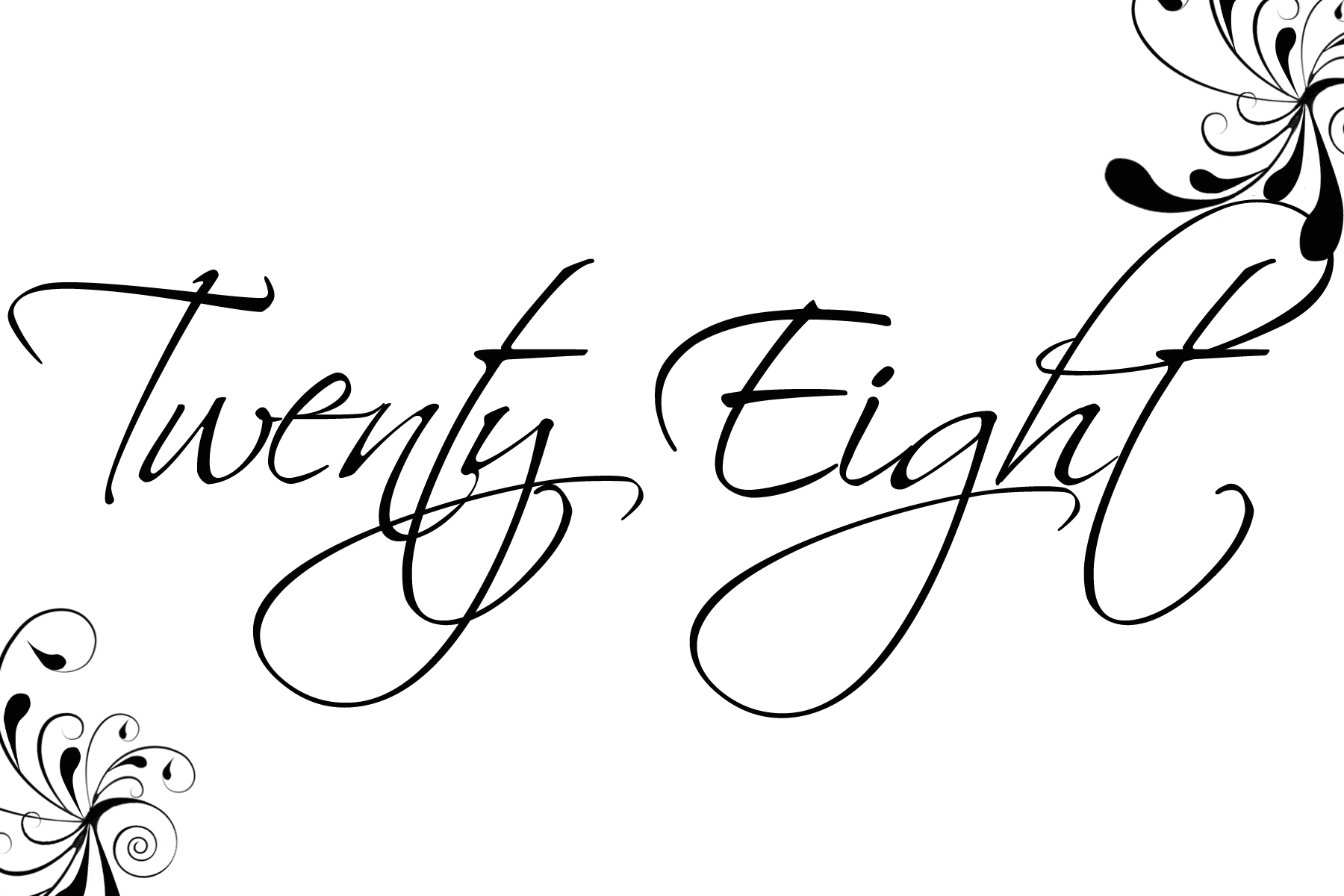
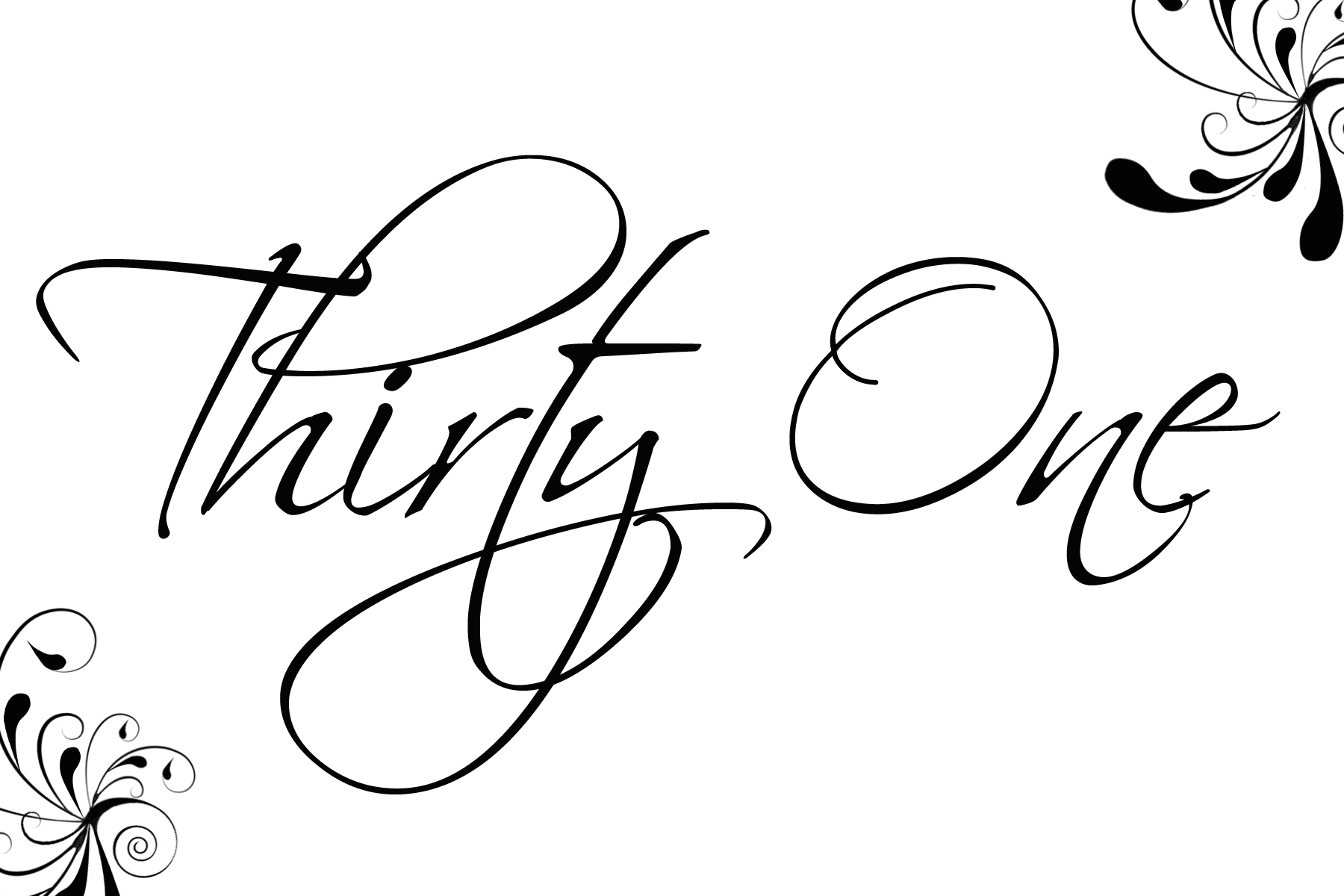
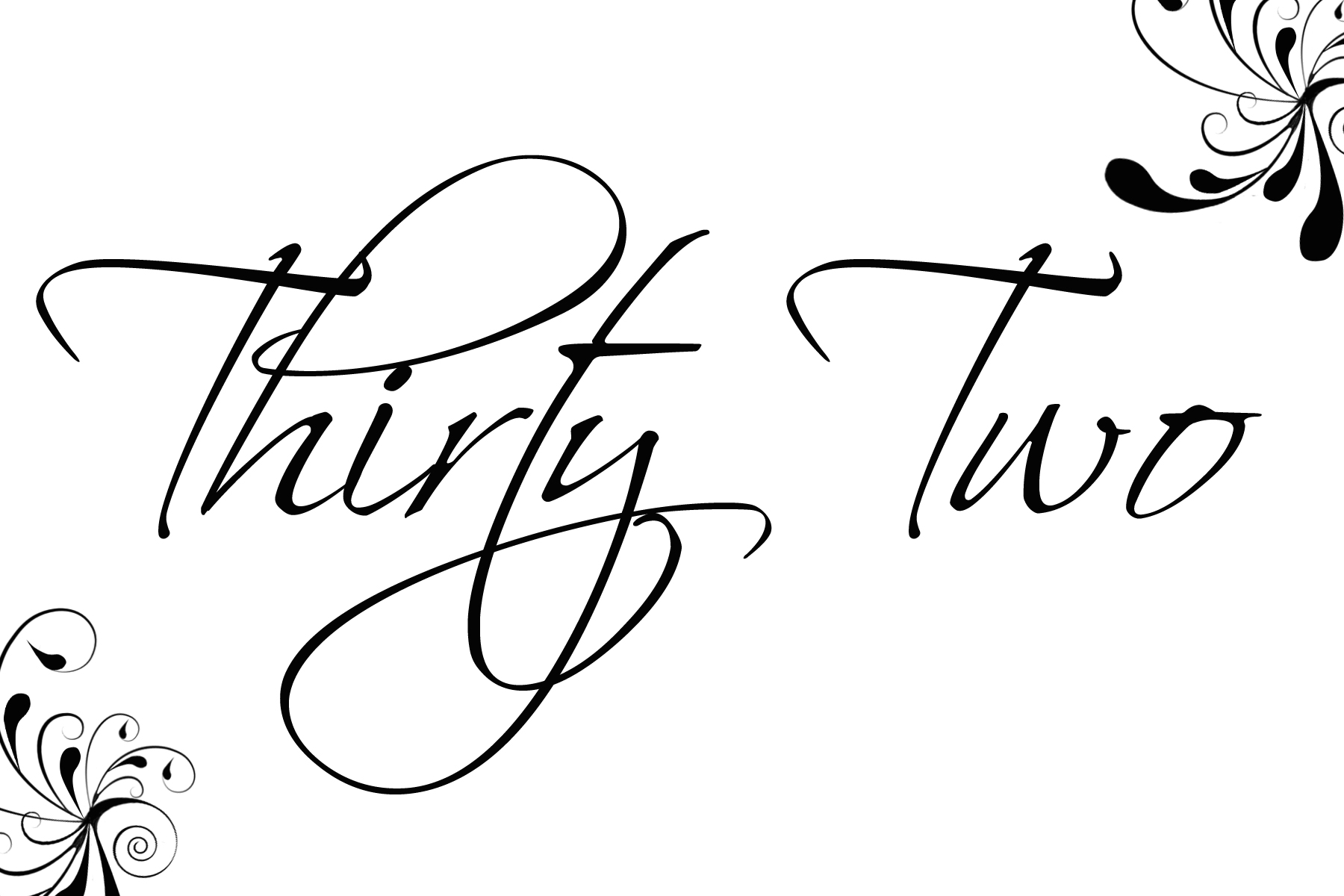
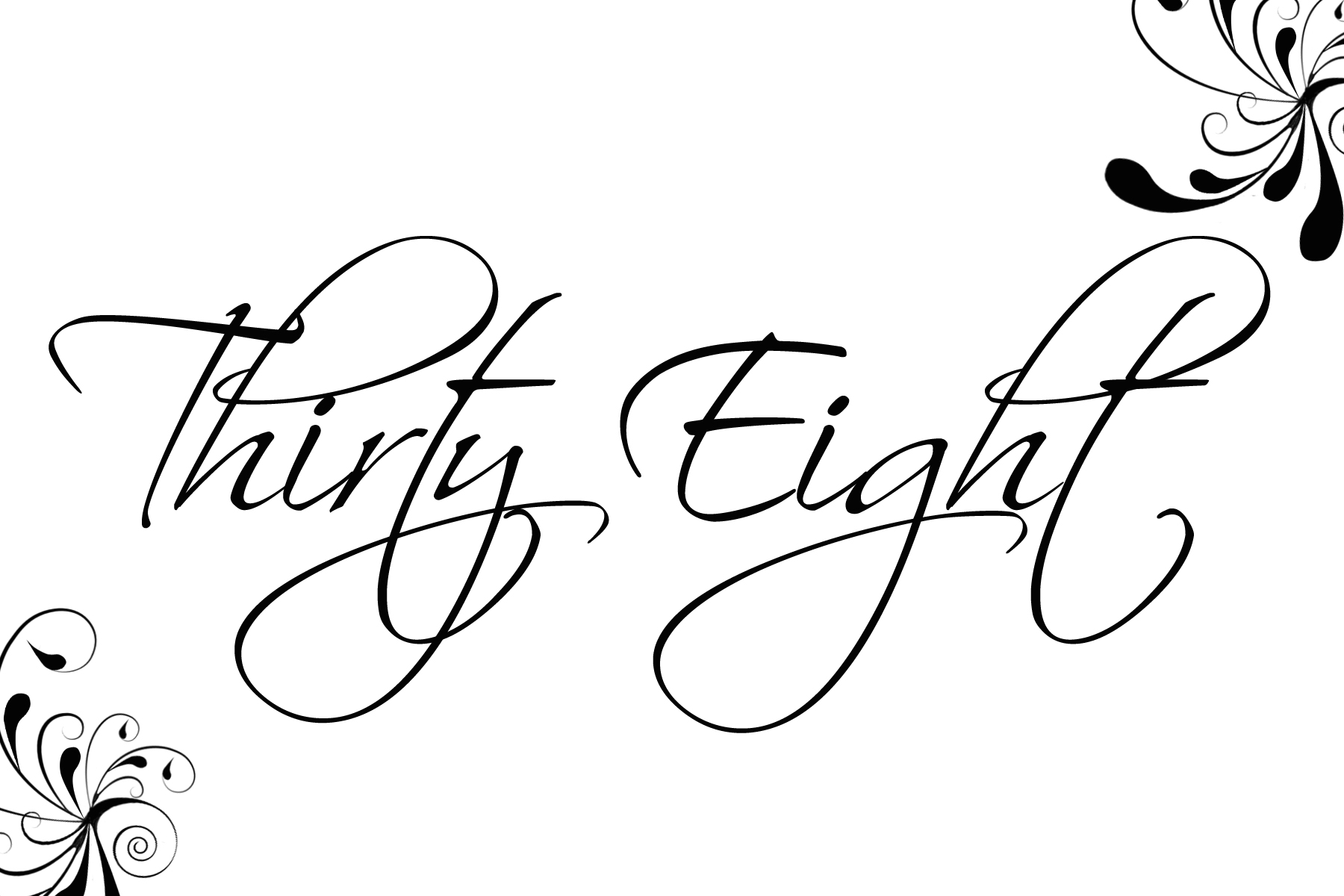
I love the variety you can have with table numbers. I tend to lean more to the numbers spelled out in a beautiful script. However, it is hard to find table numbers that are set up that way. That is why I created these numbers for my wedding. I hope you like them. Here are the numbers from 1-30. They are in 4×6 format so, they should easily print on your computer. You can also copy and paste the numbers into Microsoft Word and print from there. Enjoy!






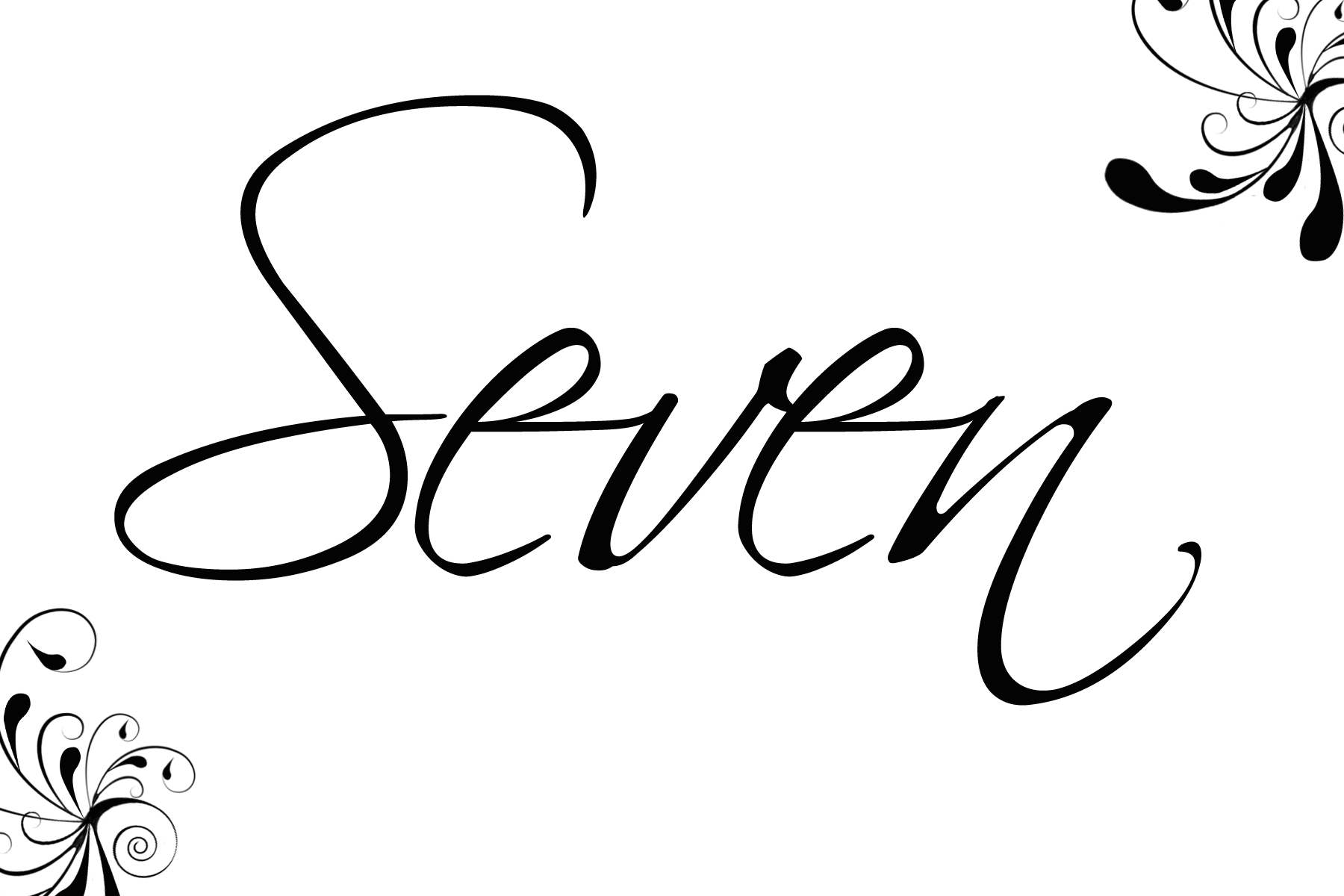



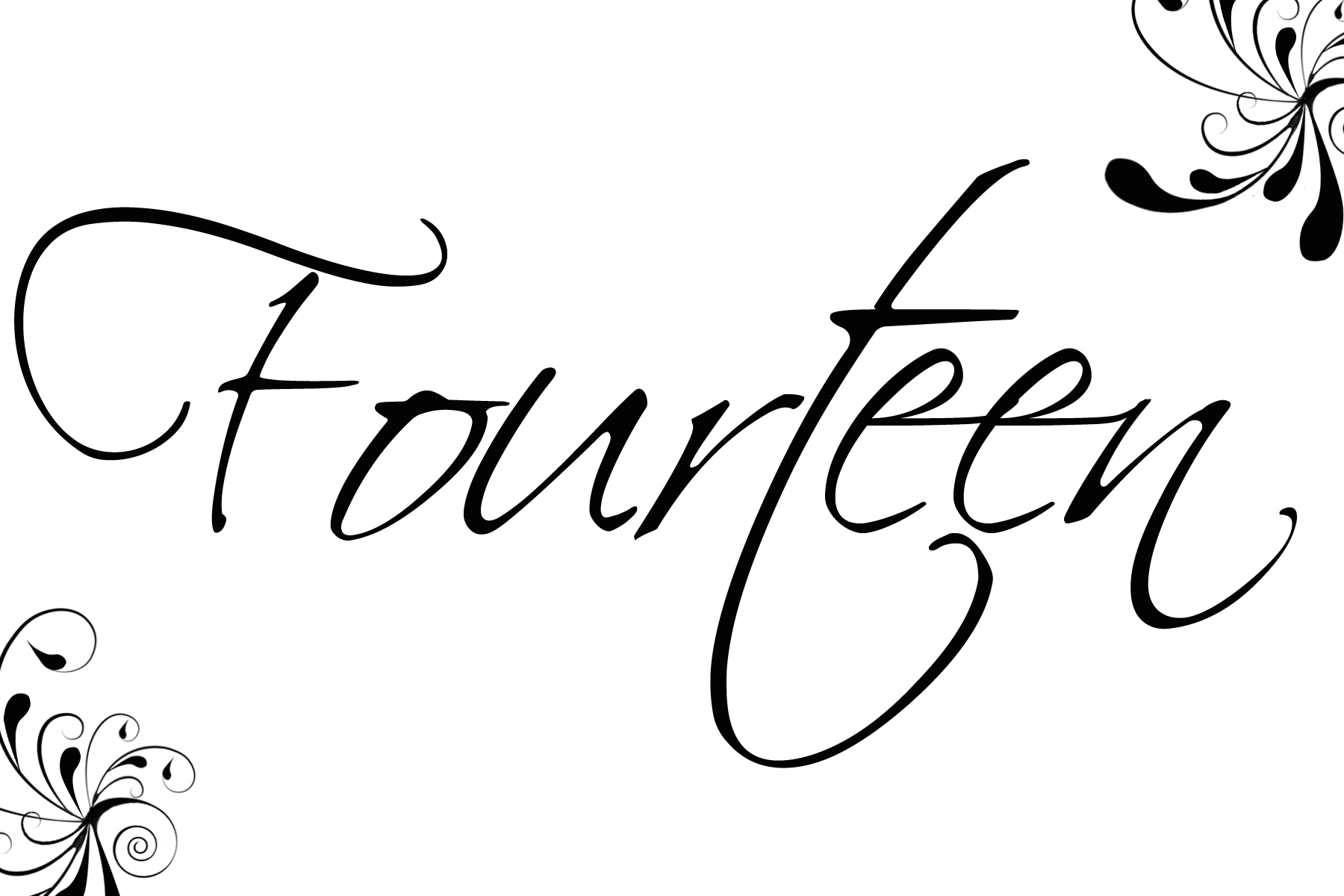




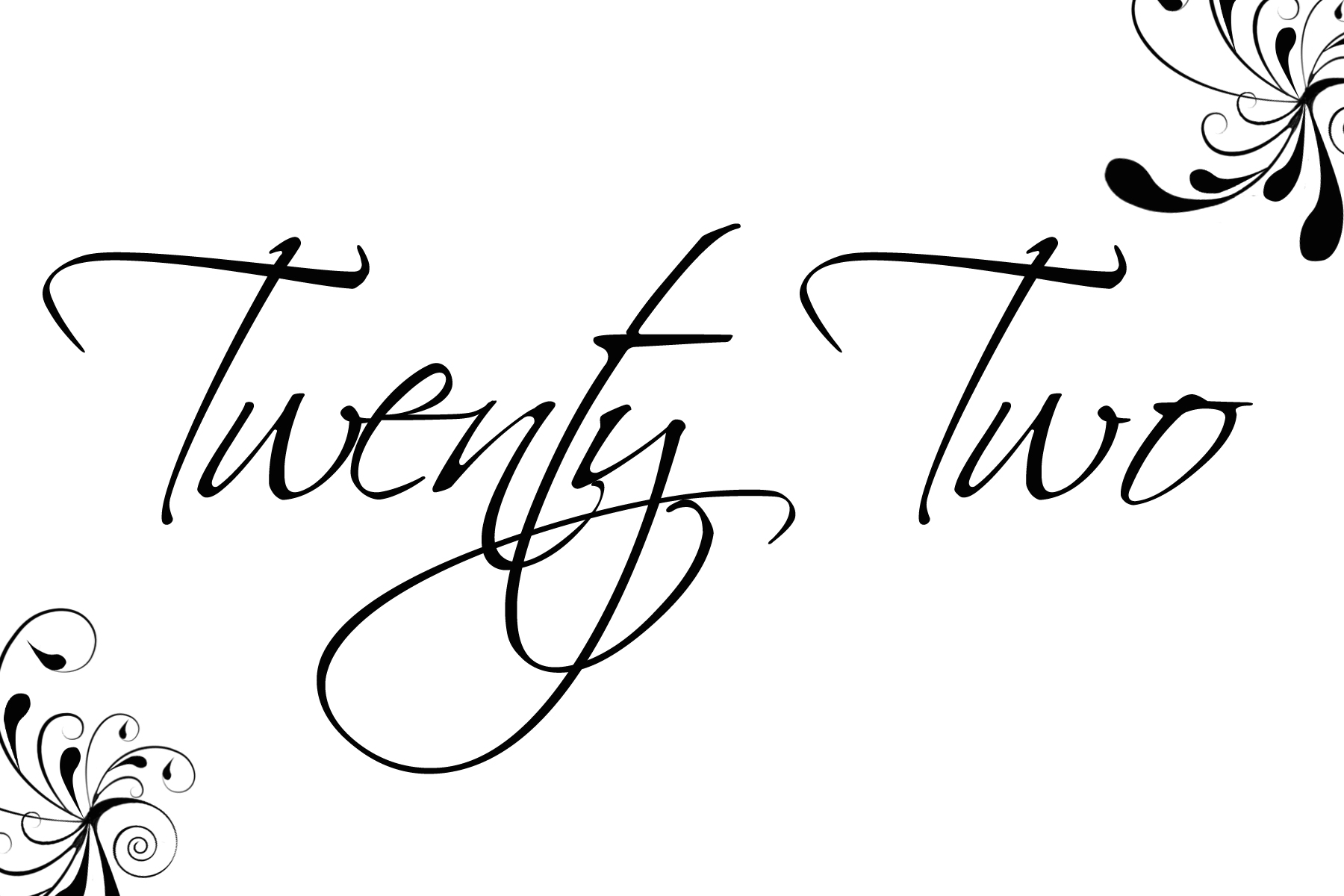


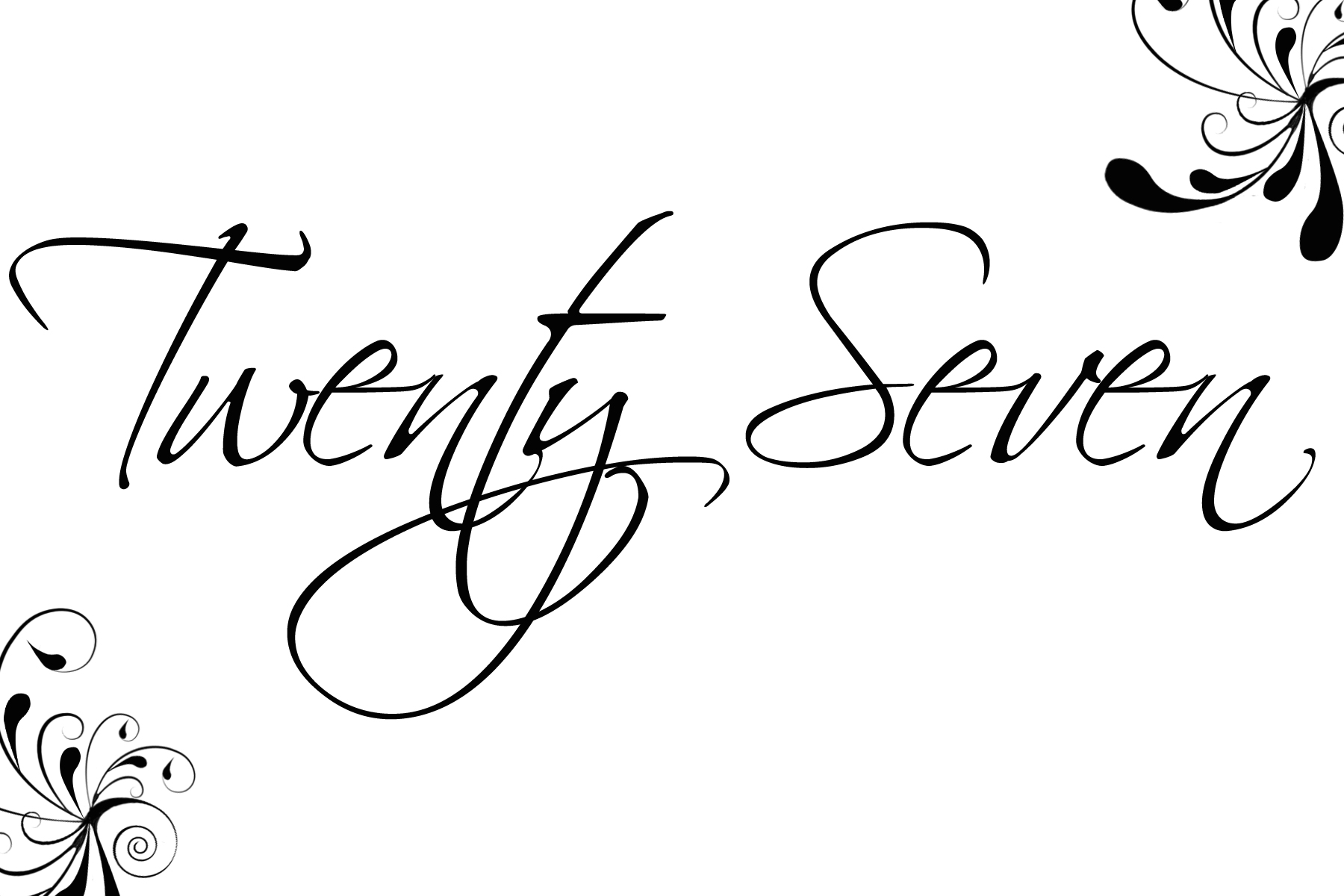






















We hope this helps! If it does, feel free to tell all your friends about us. We are Bridal Party Tees and we sell custom bachelorette shirts and tank tops!
I LOVE
I LOVE your table numbers and was going to print them out for my wedding. However, i have 18 tables. Could you please send me a blank one so i can put the rest of my numbers on it. Thank you so much.
I LOVE these!!! I have 22 table. Can you help me? Or show me how to make the rest of the table numbers?
Thank you so much! Trying not to go broke bride, Annie
This is perfect! Is there anyway you can send me a blank template? We are using song names. Is there a way to change the color to brown? Please let me know. Thanks
You can find a blank template in this pattern here http://www.bridalpartytees.com/blog/?cat=41
Hi there! I am trying to copy and paste the swirly table numbers and they are not coming over clear. As in the paste i get is clear then when i create it into a large size to fix 4X6 they become distorted. Can you please send me the file template in word to use? I tried to use the link u posted on may 13th but it is still blurry. Thanks so much 🙂
I love your numbers. I tried getting the blank template, but it is not working. Also, I have 26 tables. Could you send me a file and include up to 26 for the tables? Thanks:)
I think Im loosing it….I can’t download these beautiful table number.
Please help!!!!
Thanks
To download the table numbers you have to click on the link (the pic of the number). A big pic will appear. From there you can copy and paste them into word or right click them and save them as a jpeg and print from there. I hope this helps. I will add the blank number card to this page. Thanks everyone. Let me know if you still have troubles and I will try to trouble shoot.
Hi!! I love these table numbers. I have 25 tables. Do you think you could send me a file for all 25 tables? Thanks a lot 😉
I have added numbers up to thirty. Hope this helps. 🙂
I am having 55 tables is there a way for me to add the numbers or if not is it difficult for you to add more? Please and thank you 🙂
I simply love these table numbers, but am having a difficult time trying to edit them so that they are written vertically rather than horizontally. I’ve tried writing the actual numbers vertically, but again am having a hard time. Any suggestions would be greatly appreciated.
love these–what is the font name?
Hi, Sorry to be a pain but any chance you could make one of these that say Top Table and email it to me as i really would like to use this design for our table numbers but i’m having trouble adding text to your blank template.
Thank you so much in advance
I have added more numbers and a set for the head table and top table! Enjoy everyone and thanks for the great response! 🙂
I absolutely LOVE these!!! Thanks so much for posting them–I was worried about what I was going to do with my table numbers, but now I don’t have to worry anymore! 🙂
These are awesome!! I was wondering if anyone new the font used for these – I wanted to make one for my table that will say Bride & Groom. Thanks! 🙂
That should say if anyone “knows” the font used…oops
The font is called “Scriptina” – you can download it from many free font sites. Beautiful table numbers! May use it myself! 🙂
I love these table numbers – especially the font! I actually downloaded the font. BUT the numbers Thirteen, Fourteen, and Fifteen look funny because the letters are so spaced apart… how did you fix that because it doesn’t look like that on yours? Thanks!! 🙂
Thank you so much for this posting! This really helps me in creating head table A-D. Thanks again!!!
It seems like I can’t add text to the templete, could you please send me a file for Head Table A, Head Table B, Head Table C, Head Table D? Thanks a ton!
Anyway to change the color?
WONDERFUL! Just what I needed.
Love these table numbers. If you want to personalize the blank one, I recommend using Microsoft Publisher. 🙂
Does anyone know how to change the color?
I would love them n purple! Anyone know how to change it?
Thank you for the lovely templates. I am using them for my daughter’s wedding and they are beautiful! She is having a Black, White & Bling theme so I printed them out on a wedding program (cardstock) white trimmed in black and added a rhinestone in each of the corner designs. They will be folded and placed on the tables. They are going to look great…thanks again!
These are really pretty!
Where can I get that same font to print all of my other stationary in (programs, menu, name cards, etc)?
Natasha your a star!!! I’m getting married next week and on a big budget so doing everything myself and ive been stressing how to design my table number’s! Until i come accros your site! Such lovely font and elegant style! What’s even better is that i managed to edit the colour to the theme of my wedding, purple & lilac. The best thing’s in life are free! THANK YOU SO MUCH!
I love these templates, thank you so much. Can you send me one for Bride and Groom for our sweetheart table. Is there anyway to change the colour?
I LOVE these! How do I add text to the blank card? I want to make one that says “CARDS”
I LOVE these! Thanks so much.
Question — when I print them they seem to be sort of pixelated and not really crisp and clear. Is there a way to fix this?
Not for sure, Michelle–they should work. What we recommend is to click on the link and have the image appear in your browser window. Click on it again to enlarge it then right-click on it and “Copy Image”. Open up Microsoft Word and “Paste” the image into the document where you can then manipulate the size more. There will always be a slight blur to the image compared to your typed-in text since it is a copied-over JPEG from the net. Let us know if this works any better or exactly how you were going about trying to print them. -BPT
Admiring the hard work you put into your site and in depth information you offer. It’s nice to come across a blog every once in a while that isn’t the same outdated rehashed material. Great read! I’ve bookmarked your site and I’m adding your RSS feeds to my Google account.
Hey there, You have done a fantastic job. I’ll certainly digg it and individually suggest to my friends. I am sure they will be benefited from this site.
Nice post. I was checking continuously this blog and I’m inspired! Extremely helpful info particularly the remaining part 🙂 I care for such information much. I used to be looking for this particular info for a long time. Thank you and best of luck.
I am wondering if you can tell me what font you used for these table numbers? That, or can you make cards in the same font with the letters of the alphabet on them? I want to use them to make my seating chart to match my table numbers…
Stefanie,
We have updated our blog post and provided you with more deign templates and you can edit them yourself in Microsoft Word. You can make as many as you need by changing the table number text. You can also edit the colors under the formatting tab. Reference the updated post for step by step instructions.
http://www.bridalpartytees.com/blog/?p=1605
Thanks!
Bridal Party Tees
Just wanted to let you know I printed these out and are using them for my wedding tables….They look great 🙂
Thanks Sarah
I love these and am using them for my table numbers but would like to have matching place cards…is there a blank version that can be edited by Word to add names?
Thanks,
We have a matching place cards template here: http://www.bridalpartytees.com/blog/?p=1570
I figurd out how to change the font color. Copy and Paste into Microsoft Word. Under the Tab “Picture Tools” click “Format” and “Recolor.” If you click a color under “Light Variations” it changes the font color.
I love your table numbers and cannot thank you enough for sharing them! I am planning on having some tables just labeled “Family” so that our families can sit with whichever family members they want to and then we will use your table numbers for assigned seating for the other guests. Can you make a sign that just says Family and email it to me or add it to your table numbers? I tried to make my own based on your blank one, but I wasn’t able to edit it. Thank you and I really do appreciate it!
Kristen, we have saved a version that says “Family” for you!